Opens October 16

Your marketing, handled.

Watt drafts a week of posts, emails and graphics for financial advisors, in your voice and your brand. You read it, change what you like, and approve it in about ten minutes.

A whole week, ready on Monday.

Watt picks topics your clients care about, writes each post for its platform and draws the graphic. Here is one sample firm's week.

MonLinkedIn
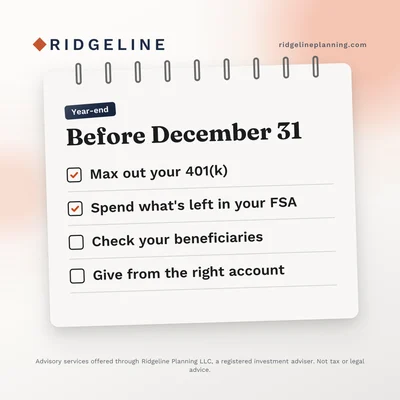
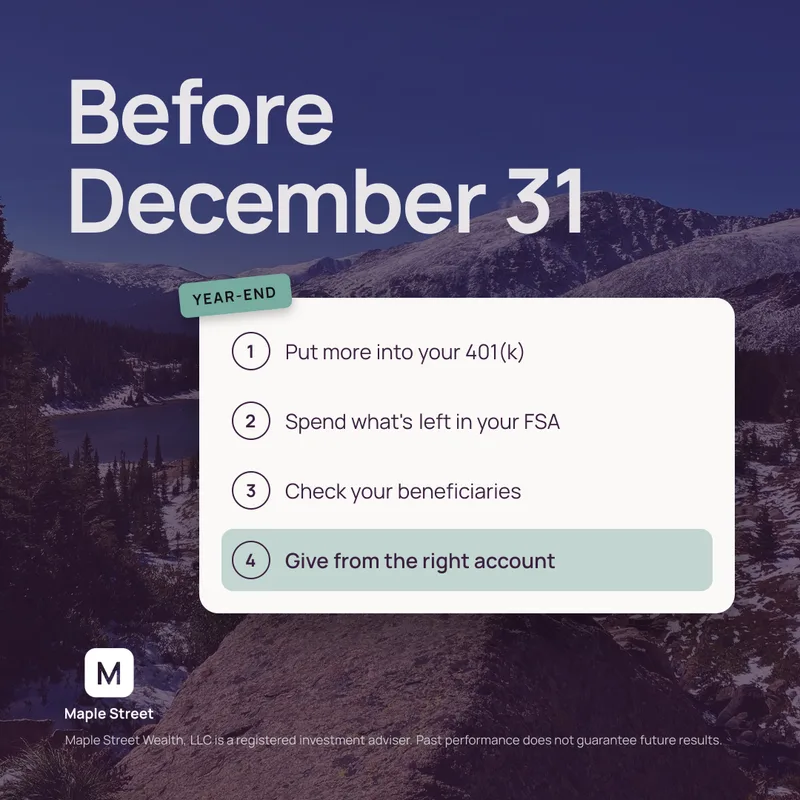
Your year-end money checklist
TueInstagram
Why I ask every new client about their parents
WedFacebook
Most of my first meetings start the same way
ThuLinkedIn
What you can save this year
FriX
Pay yourself first, then plan the fun

Every graphic in your colors, fonts and logo.

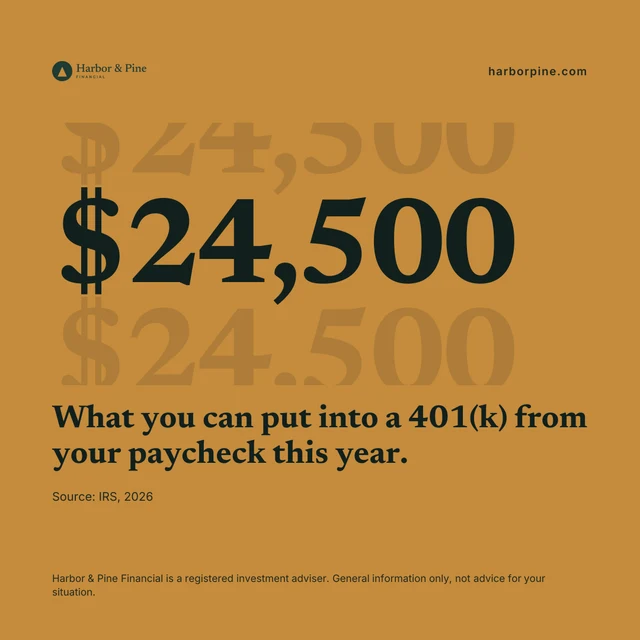
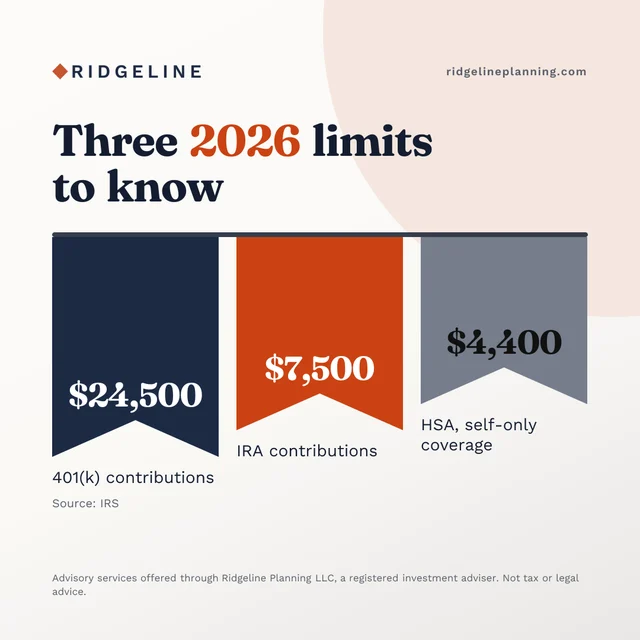
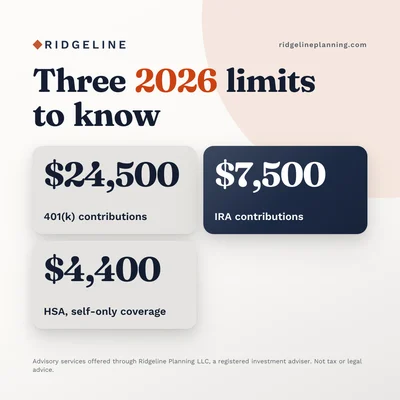
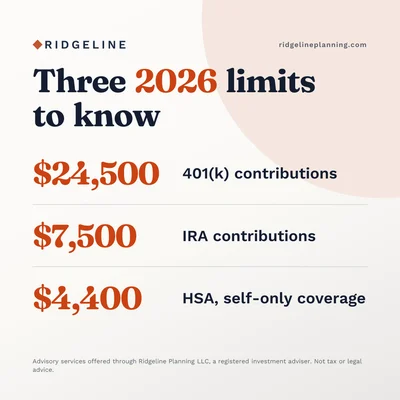
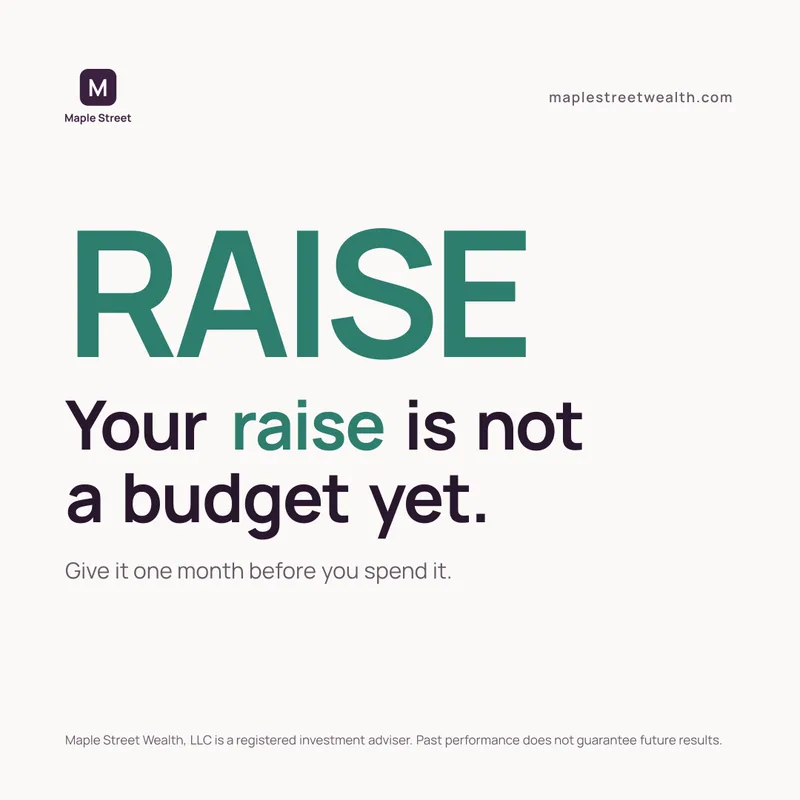
Paste your website and Watt reads your brand in about a minute. Here is the same post for three different firms.

The same savings-limits post drawn in the Harbor & Pine Financial brand
Harbor & Pine Financial
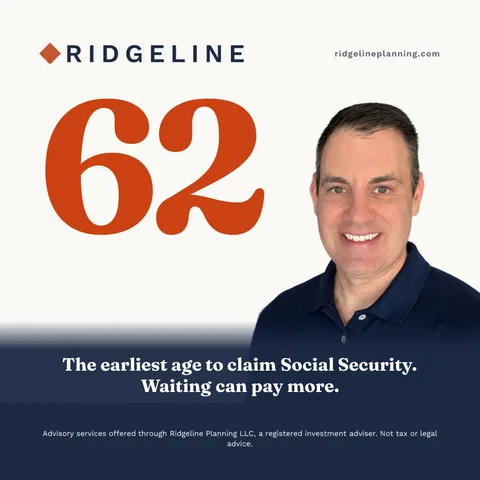
The same savings-limits post drawn in the Ridgeline Planning brand
Ridgeline Planning
The same savings-limits post drawn in the Maple Street Wealth brand
Maple Street Wealth

More than posts.

Before you act on an AI money answerA general answer can't see your taxes, your other accounts or your plans.

Hi there,

If you've asked ChatGPT or another AI tool about your money, you're in good company. It's a good way to learn the basics.

Before you act on an AI answer, forward it to me. I'll check it against your plan.

Visit Harbor & Pine

Client emails, newsletters and quarterly letters

Notes your clients actually read. Your quarterly letter comes with the quarter's real market figures and their sources. Copy them into your email tool, or send them to Mailchimp as a draft.

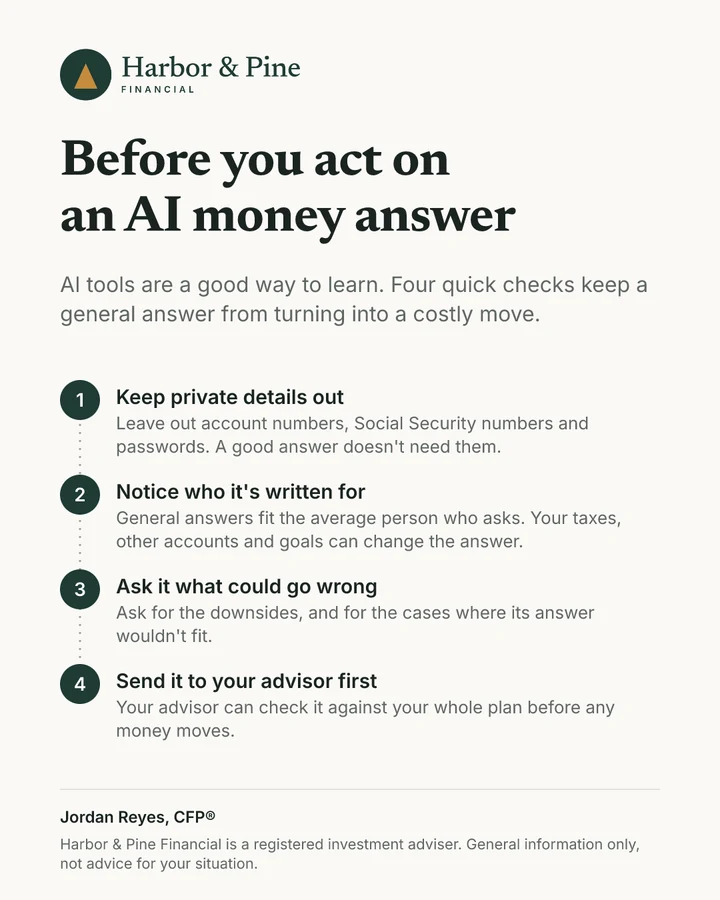
A one-page client handout, Before you act on an AI money answer

Client handouts

More than fifty one-page explainers, from Roth conversions to Social Security, drawn in your brand.

JJordan Reyes, CFP®Harbor & Pine Financial

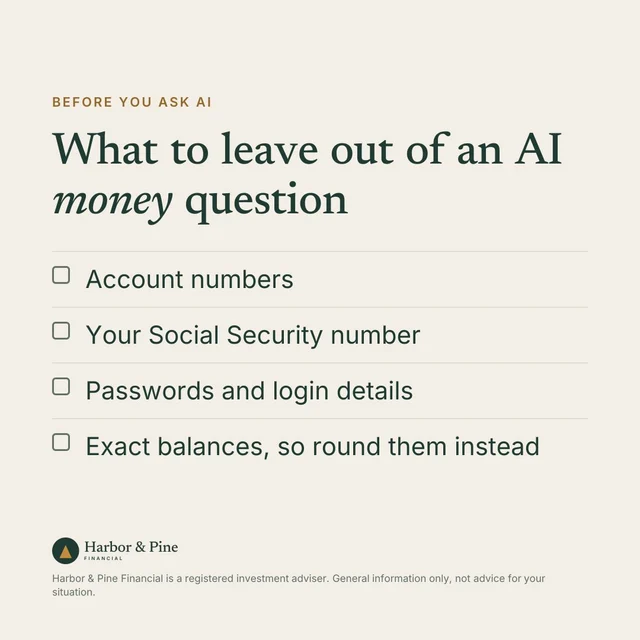
Lots of my clients now ask AI tools about their money, and that's a fine way to learn. One habit is worth adding before you type.

A LinkedIn post graphic, What to leave out of an AI money question
Tue · 8:30 amPosted to LinkedIn

Posted for you on LinkedIn

Connect your profile and Watt posts what you approve, at the time you pick.

About ten minutes a week.

  1. Step 1

    Paste your website

    Watt reads your colors, your logo and how you write. No files to fill in.

  2. Step 2

    Approve your week

    Pick from a few options for each post and change anything you like.

  3. Step 3

    Post it

    Watt posts your LinkedIn posts. Everything else, you copy and send.

Built for compliance-aware workflows.

No client details

Watt writes marketing, so it never asks about your clients.

You approve everything

Nothing goes out until you say so. Send any draft to your compliance reviewer with a private link, and their approval stays with your copy.

A check on every draft

Each draft is checked against SEC Marketing Rule and FINRA 2210 basics. Your firm's review still decides.

A copy of what you approve

Download your approved copies any time for your firm's records.

Questions advisors ask.

Do I need Claude or ChatGPT?

No. Watt runs in your browser. Paste your website and it does the setup.

Does Watt post anything on its own?

Only LinkedIn posts you've approved, at the times you pick, once you connect your profile. Everything else you send yourself.

Will Watt keep me compliant?

No tool can promise that. Watt checks every draft for common advertising rule problems and keeps a copy of everything you approve. Your firm's review still governs.

Does Watt use client data?

No. It works from your website, your voice and your settings. There is no place for client details.

What happens when markets drop?

After a sharp drop in the S&P 500, Watt drafts a calm note to your clients, a post and a check-in for the next week, using only that day's figures. It never predicts. You read it and approve it like anything else.

What if I don't have a niche?

Watt writes for individuals and families at every stage of life, and anchors each post in a real moment like a new baby or a first retirement check.

What will it cost?

Pricing comes with the launch email on October 16.

Get the launch email.

Watt opens October 16. Join the list and you'll get the link the day it opens.

Sam Farrington, CFP®Sam Farrington, CFP®
Creator of Amplify for Advisors

We'll email you about Watt, starting with a confirmation now and the launch email. Unsubscribe any time. Privacy policy.